
Version 0.3.0 (Looks and ease) is in progress. Not released yet.
The game engine built for AI agents
Your agent reads the game as text, changes it through one command, runs it and checks the result. You can open the same project in the Studio at any time.
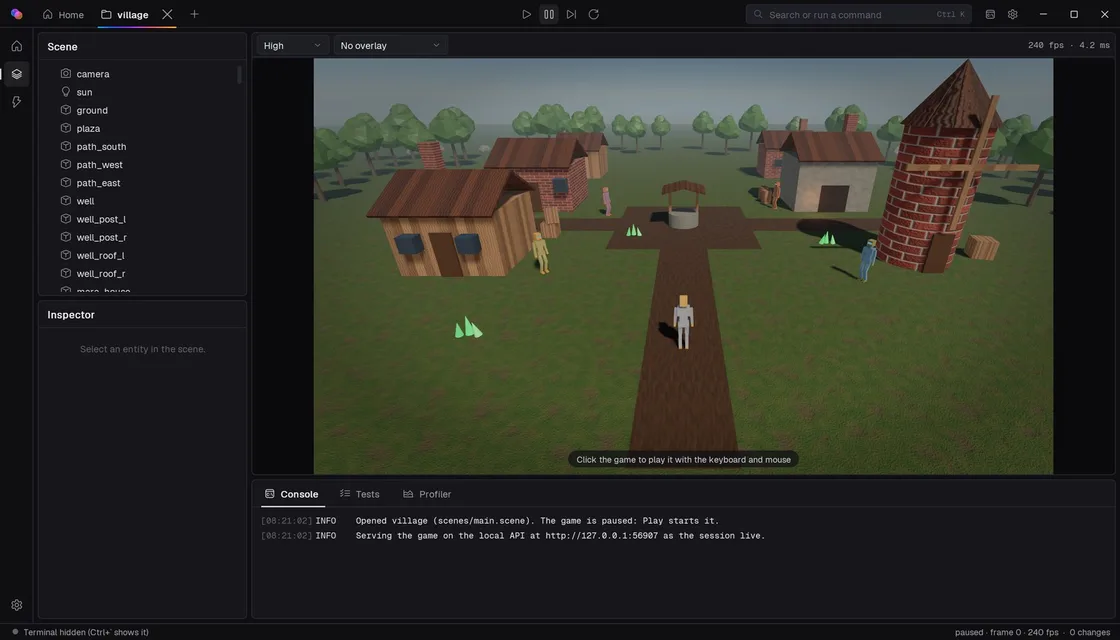
Read, change, check
The same loop a good developer follows with code. The aim is a better game, built faster, than an agent could make from raw code.
Read
A game is a folder of plain-text files. Scenes and prefabs list entities and their components with readable ids, like
playerandcrate_2. Saving and loading give byte-identical files, so diffs stay clean.scenes/main.sceneformat = 1 name = "Main" [settings] # A light haze: far things fade into the horizon. fog = 0.008 vignette = 0.2 [[entity]] id = "camera" [entity.Transform] position = [0, 4, 10] rotation = [-18, 0, 0] [entity.Camera]
Change
Every change is one
spxcommand. Commands are logged with their author and can be undone. Two agents, or an agent and a person, editing one project get a conflict instead of a silent overwrite.Terminal> spx entity add crate --parent ground --set Transform.position=0,1,0 --tag pushable > spx set crate Transform.rotation 0,45,0 > spx scene set fog 0.02 > spx entity scatter tree --area -80,-80,80,80 --count 120 --gap 4 > spx undo
Check
The simulation is deterministic, so a run replays exactly from a seed. Scenario tests play the game and check its state, golden images catch visual changes, and
spx perfgives numbers.tests/smoke.test.tstest("the main scene loads and runs", async () => { await frames(30); expect(world.all(Camera).length > 0).toBe(true); expect(world.frame).toBe(30); }); > spx test > spx verify --human
When something is wrong, the error says where, and how to fix it.
Terminalstderrerror[E0005]: 'C:\shots\yard.png' is outside the project folder; spx writes files only inside the project. fix: Give a path inside the project (such as screenshots/shot.png), and copy the file from there if you need it elsewhere.
Works with the agent you already use
Any agent that can run a command or call a local API can use the engine. spx connect writes the files these agents need, and spx mcp and the local HTTP API expose the same commands.
Set up by spx connect
- Claude Code
- OpenAI Codex CLI
- Gemini CLI
- Cursor
- GitHub Copilot in VS Code
- opencode
- Aider
Read the project's AGENTS.md
- Windsurf
- Cline
- Roo Code
- Zed
- JetBrains Junie
- Amazon Q
- Copilot's coding agent
Add spx mcp in their settings for the full command set.
Written from scratch, in Rust
The renderer, the physics, the scripting language and its compiler, the shader language, the image, audio and font readers and the UI are all in the engine's own code. The only outside interfaces are Windows and the GPU.
- Version
- 0.3.0 (Looks and ease), in progress
- Engine
- 21 crates of Rust, no third-party crates
- Content
- 33 example projects and five templates
- Platform
- Windows 10 and 11, a GPU with Vulkan 1.3
Rendered by the engine
All screenshots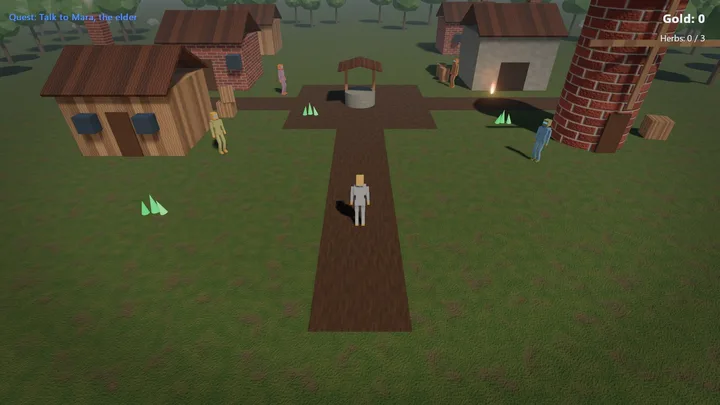
Village. An RPG-lite with dialogue, a quest, an inventory and a reward.
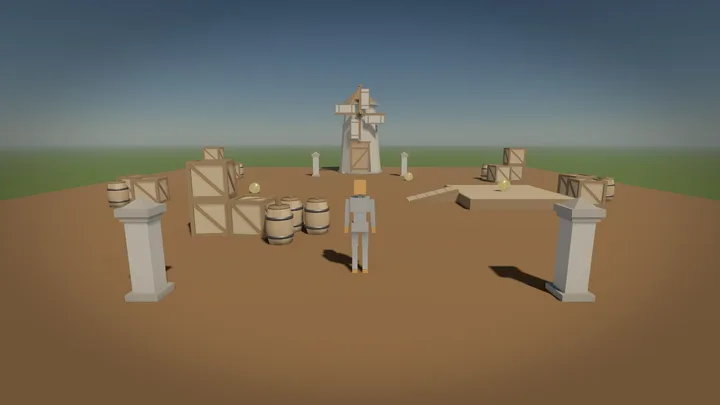
Windmill errand. Imported models, three pickups and a door that opens.
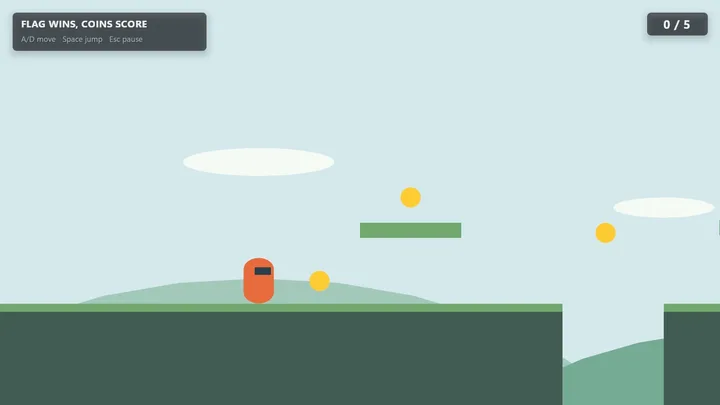
2D platformer. A small course from the platformer template.