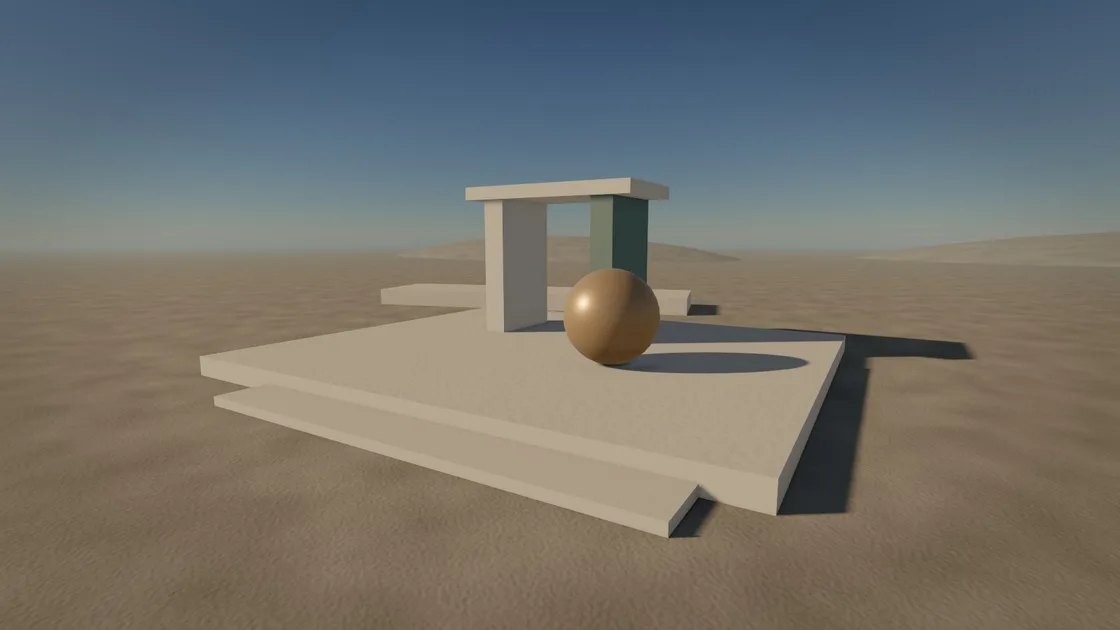
What is built today
Version 0.3.0 (Looks and ease) is in progress. Everything below works now; planned work says so.
- Version
- 0.3.0 (Looks and ease), in progress
- Engine
- 21 crates of Rust, no third-party crates
- Content
- 33 example projects and five templates
- Platform
- Windows 10 and 11, a GPU with Vulkan 1.3
The agent interface
A game is a folder of plain-text files. The agent reads scenes, prefabs, materials, scripts, UI and animation graphs, then changes them with spx. The tool prints text in a terminal and JSON to a pipe.
Every change is a logged command and can be undone. If two agents, or an agent and a person, edit one project, they get a conflict instead of a silent overwrite. Each error has a stable code, a location (file, line and column) and a fix.
spx docs prints the manual offline. Each new project includes an AGENTS.md that tells an agent how to work in it.
prefabs/coin.prefab# Made by `spx model import` from coin.glb: 0.5 x 0.5 x 0.14 m. # Collider: a box around it, 0.5 x 0.5 x 0.14 m. format = 1 [[entity]] id = "coin" [entity.Transform] [entity.MeshRenderer] mesh = "models/coin.glb" [entity.Collider] shape = "box" size = [0.5, 0.5, 0.14] offset = [0, 0.35, 0] [entity.Animator] clip = "Spin"
Studio
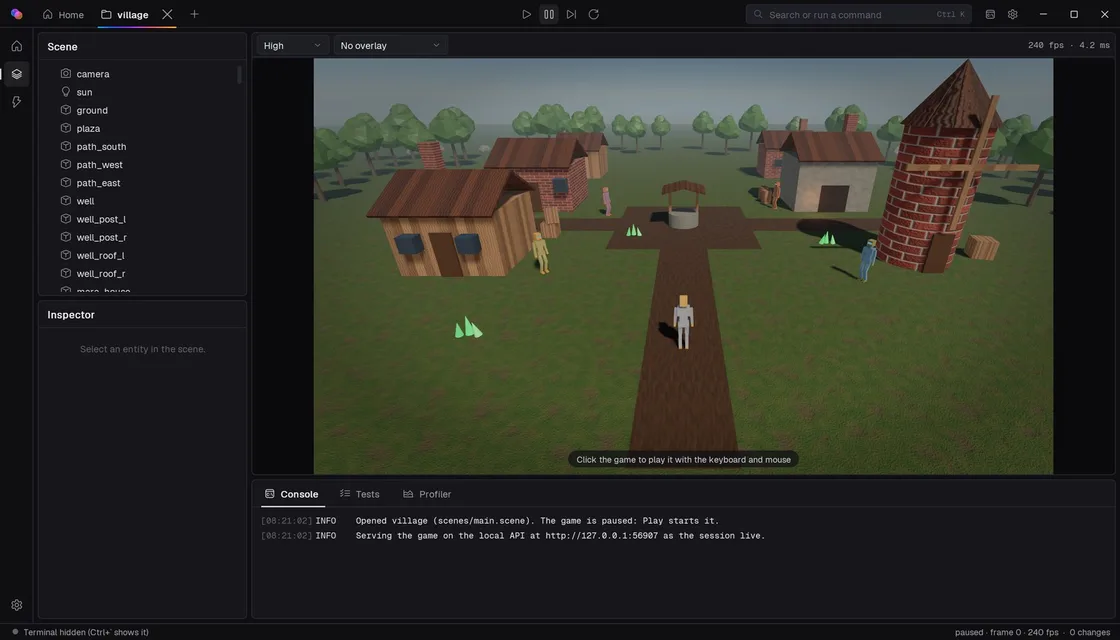
spx studio is the window for a person in the same project. It shows the game, the scene tree, an inspector, the console, the tests and a profiler, with a command palette. A terminal beside the game runs a command-line agent.
The Studio uses the same commands an agent uses, so a change made by hand and a change made by the agent land in the same files.
A full visual editor is planned.
Rendering
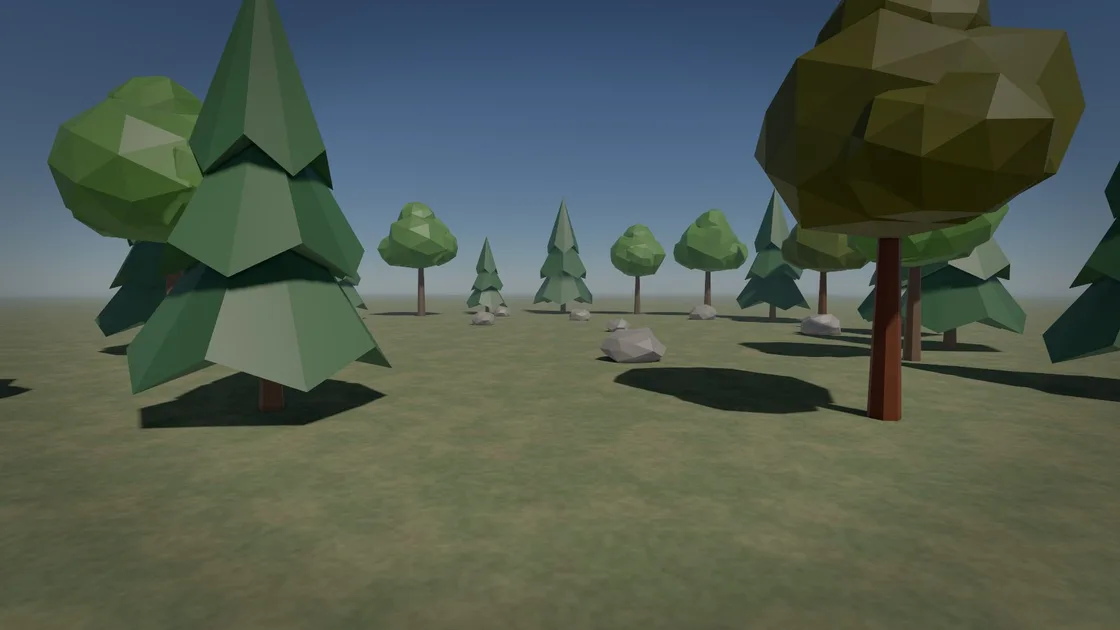
The renderer is physically based and runs on Vulkan 1.3. It has cascaded sun shadows, clustered point and spot lights with shadows, and a physical sky with named presets. It also has sky reflections, ambient occlusion, bloom, fog, colour grading, auto exposure, AgX tonemapping and quality presets.
Levels of detail, instanced batching and culling are included, with 2D sprites, render-texture cameras and screenshots.
Physics
The physics is a deterministic rigid-body solver. Shapes include boxes, spheres, capsules, convex hulls, meshes and height fields, plus compound colliders. Joints are fixed, hinge, slider, ball, distance and spring.
It also has continuous collision, sleeping, triggers, and ray, shape and overlap queries. A capsule character controller, ragdolls and hitboxes are included.
Animation
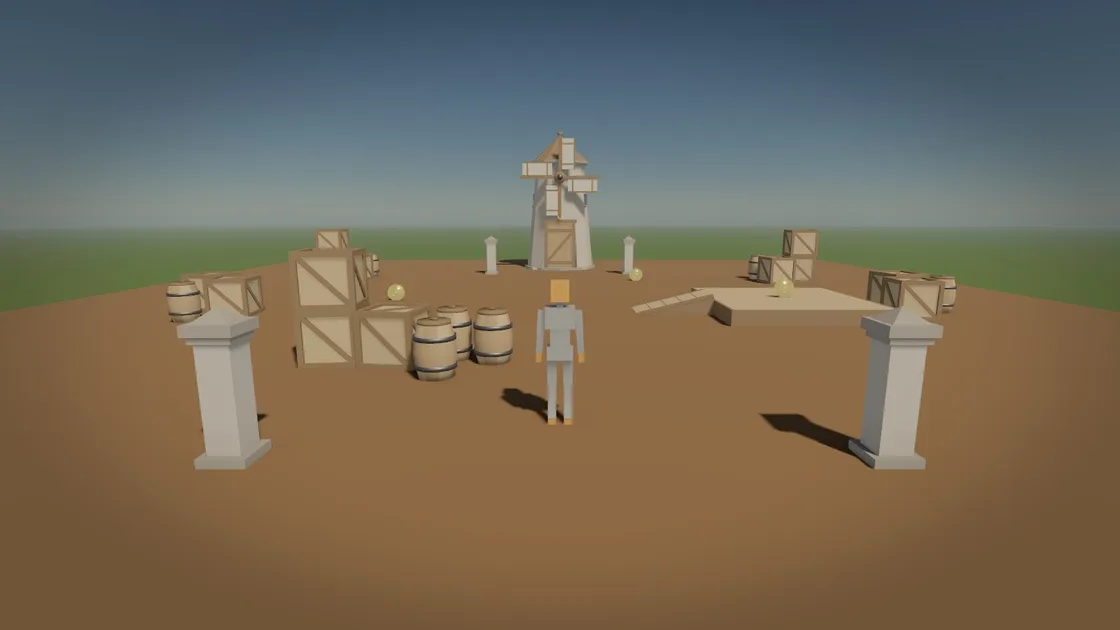
Animation covers skinned models, clip blending, and animation graphs with state machines and masked layers. It includes two-bone IK, foot placement and look-at, root motion, morph targets, clip events, clips shared between characters, and timelines that animate a field.
Audio
The engine reads WAV and Ogg Vorbis with its own decoders. Buses have a limiter and ducking. Sound can be positional, with voice stealing and sound groups. Output is low latency on Windows.
UI and effects
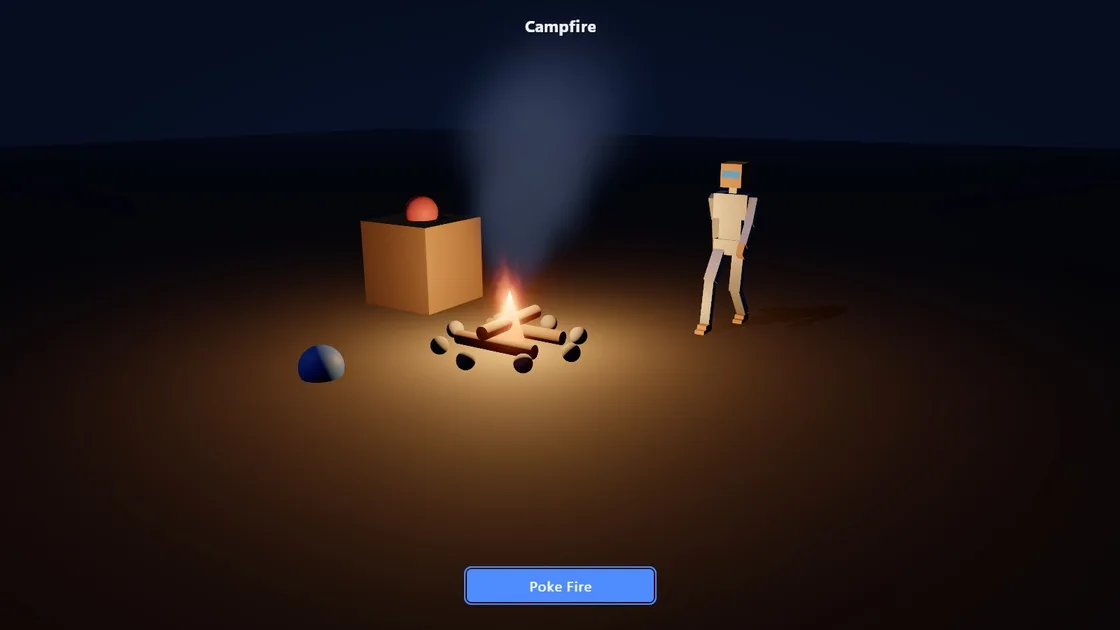
Game UI is data: screens and a theme, with keyboard, mouse and gamepad navigation, and sharp text at any size. A script canvas draws a custom HUD. Particles run on the GPU, and decals are projected.
Scripting
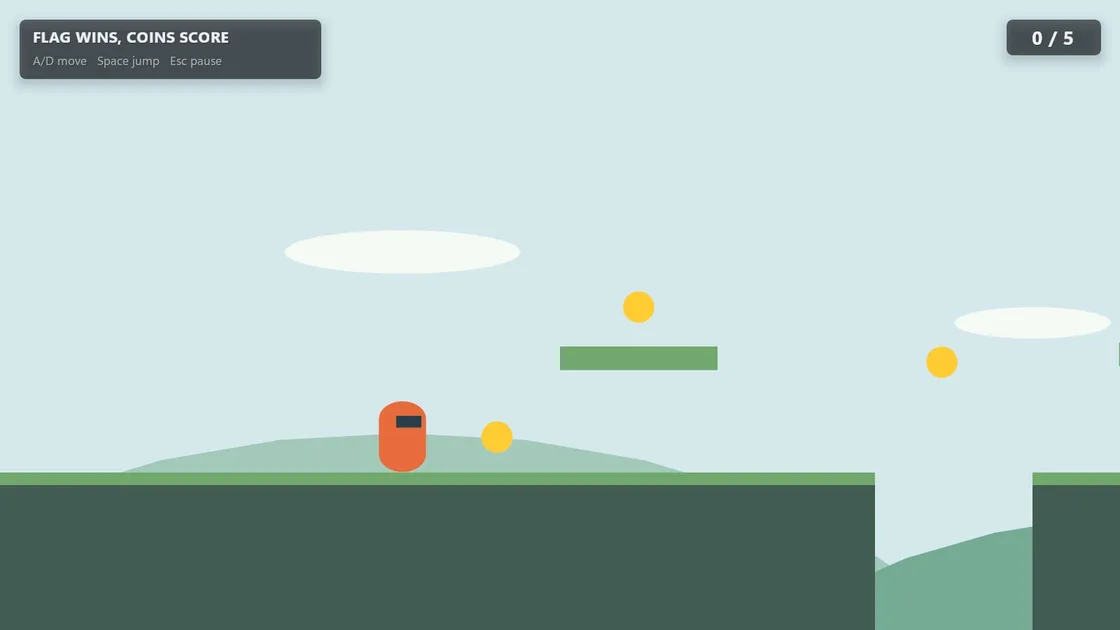
SPX Script is a strict subset of TypeScript, with its own compiler and virtual machine. Scripts use behaviours, events, async waits, tweens and state machines. Hot reload keeps values.
A sandbox limits CPU and memory, so a script error does not take the engine down. Type definitions are generated from the engine.
Gameplay systems
Navigation is baked from the colliders, and paths use A*. The engine also has perception and noise, projectiles, interactables, input actions with recording and replay, gamepads and save games.
Tools
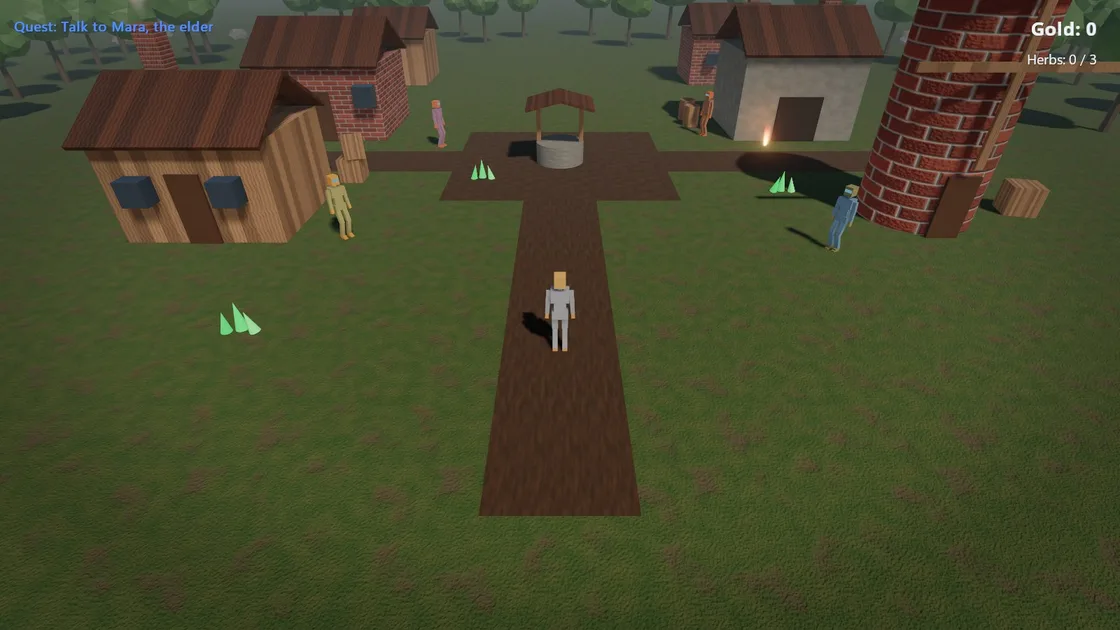
spx view plays a game, with a terminal beside it if you want one. spx build makes a standalone Windows executable. The tool also imports models, generates textures from a seed, compares golden images and profiles a run. spx connect writes the files an agent needs.
Five templates are included: 3D, 2D, a 2D platformer, a 2D top-down arena and a 3D shooter asset kit. 33 example projects ship with the engine.